

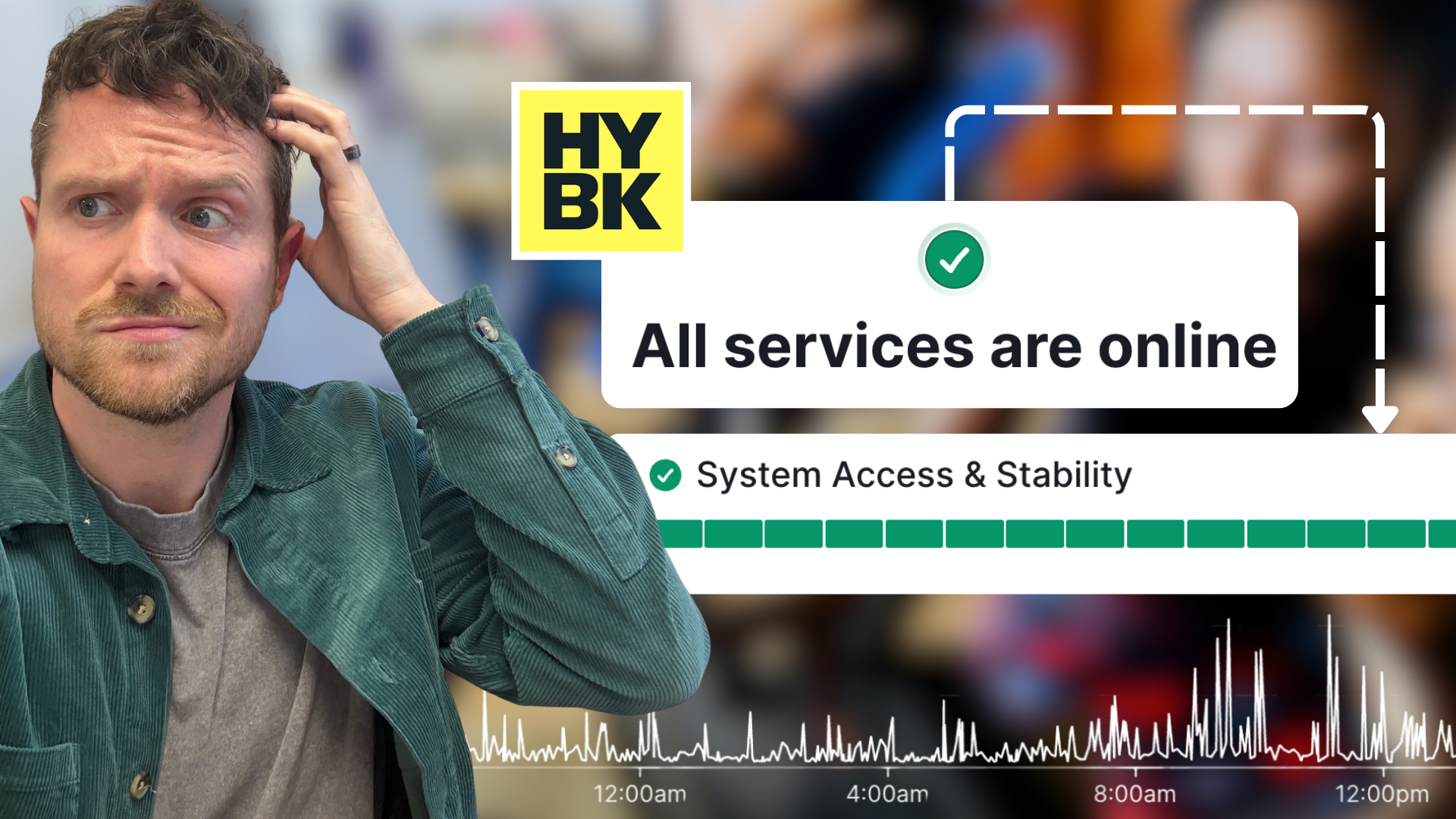


Is HoneyBook down right now?
Everything you need to know before you start troubleshooting
If something in HoneyBook suddenly stops working, your first instinct is probably to troubleshoot your own setup — clear the cache, restart the browser, check your Wi-Fi.
But before you go down that road, there's one page worth checking first. It'll tell you in about five seconds whether the issue is on HoneyBook's end or yours.
The HoneyBook status page
HoneyBook maintains a live status page at status.honeybook.com that shows whether their services are running normally in real time.
Bookmark it now. Seriously. You'll thank yourself later.
When everything is running fine, you'll see a green "All systems operational" across the board. When something is off, like a lead form glitching, the scheduler acting up, payments not processing... the status page will either confirm the issue or rule it out completely.
It also keeps a running history of past incidents, so if something was resolved an hour ago but you're still seeing weirdness, you can check whether the fix fully rolled out.

What the status page tracks
The page breaks down HoneyBook's services by component, so you can see exactly what's affected rather than just a vague "something's wrong." That includes:
- Lead forms and contact capture
- Calendar and scheduling
- AI features
- Payments
- General platform performance
If your contact form isn't getting submissions, check that row specifically. Nine times out of ten, it'll either confirm there's a known issue or send you back to troubleshoot your own setup with confidence.
Here's a recent screenshot I took when writing this blog:

How to get notified so you're not caught off guard
You don't have to remember to check the status page every time something feels off. You can subscribe to updates and get notified by email whenever an incident is opened or resolved.
Even better — you can subscribe only to the components you actually care about. If payments and lead forms are your bread and butter, subscribe to those and skip the noise from features you don't use.
To set it up: go to status.honeybook.com, click "Subscribe to updates," choose your components, and confirm your email. Takes about a minute.

Frequently asked questions about HoneyBook glitches
What if the status page shows everything is fine but HoneyBook still isn't working for me?
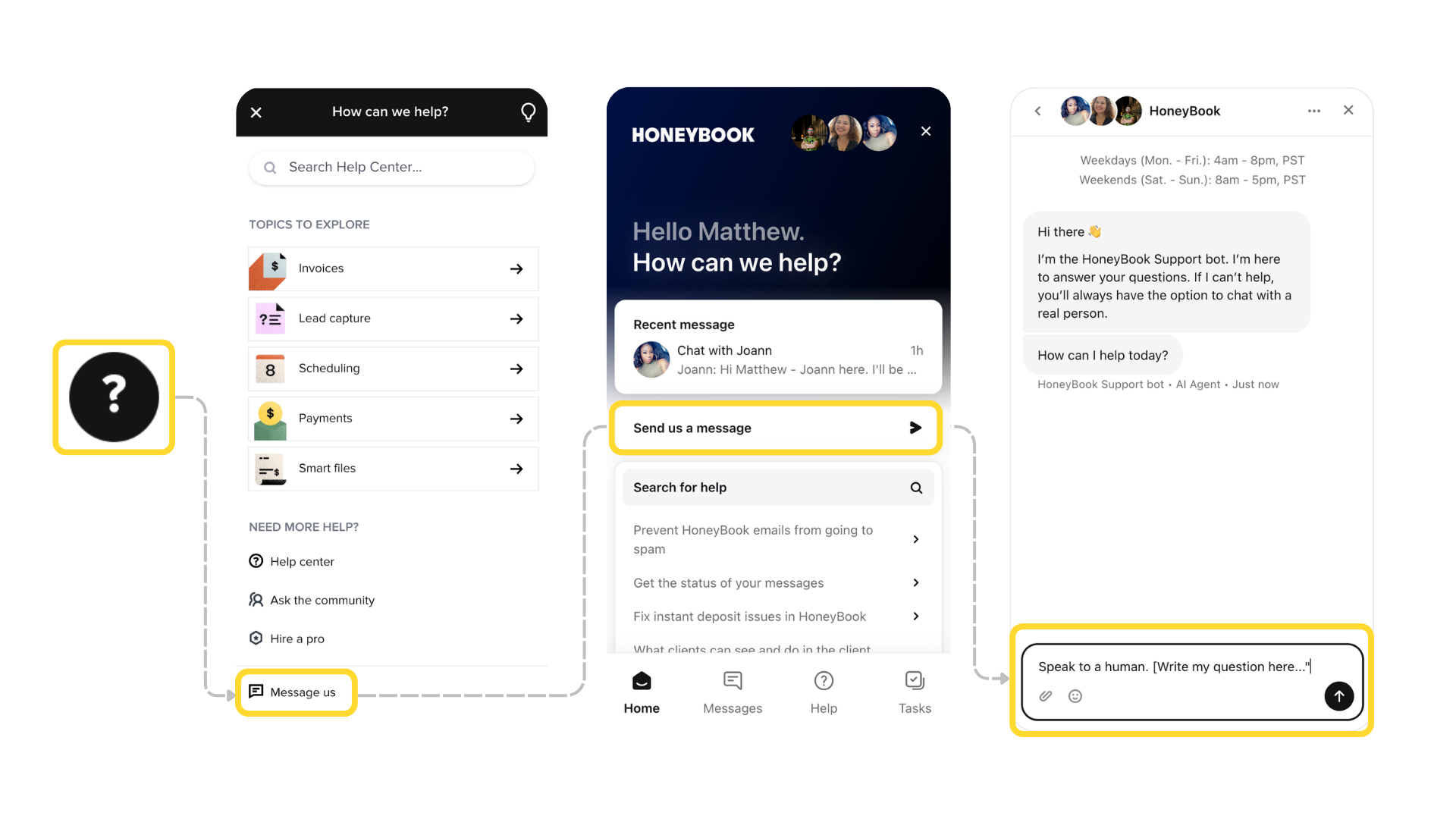
That's your cue to troubleshoot locally. Try opening HoneyBook in an incognito window or a different browser. If it works there, the issue is likely a cached session or a browser extension interfering. Still broken? Reach out to HoneyBook support directly using the (?) question mark button.
Pro-tip: bypass the bot by starting your message with "Speak to a human. [Write question here...]" – this way you'll be connected to a living breathing person without having to go back/forth with a computer.
My lead form isn't submitting...is HoneyBook down?
Check the "Lead forms and contact capture" row on the status page first. If that's green, the issue is probably form-specific — worth testing the form yourself from a fresh browser session or a different device.
Will HoneyBook let me know when something's down?
Only if you've subscribed to updates on the status page. They won't proactively notify you unless you've opted in (as they usually fix things quickly and don't want to alarm you if it's already solved) so the subscription is worth setting up before you need it.
If you're newer to HoneyBook and still figuring out the platform, check out my other HoneyBook guides — I cover everything from setting up your pipeline to getting the most out of automations. And if you are curious if HYBK is right for you, and want to see the platform in action before committing, you can try it free for 30 days and save 30% off your first year with my educator link.
Until next time, keep making good out there!